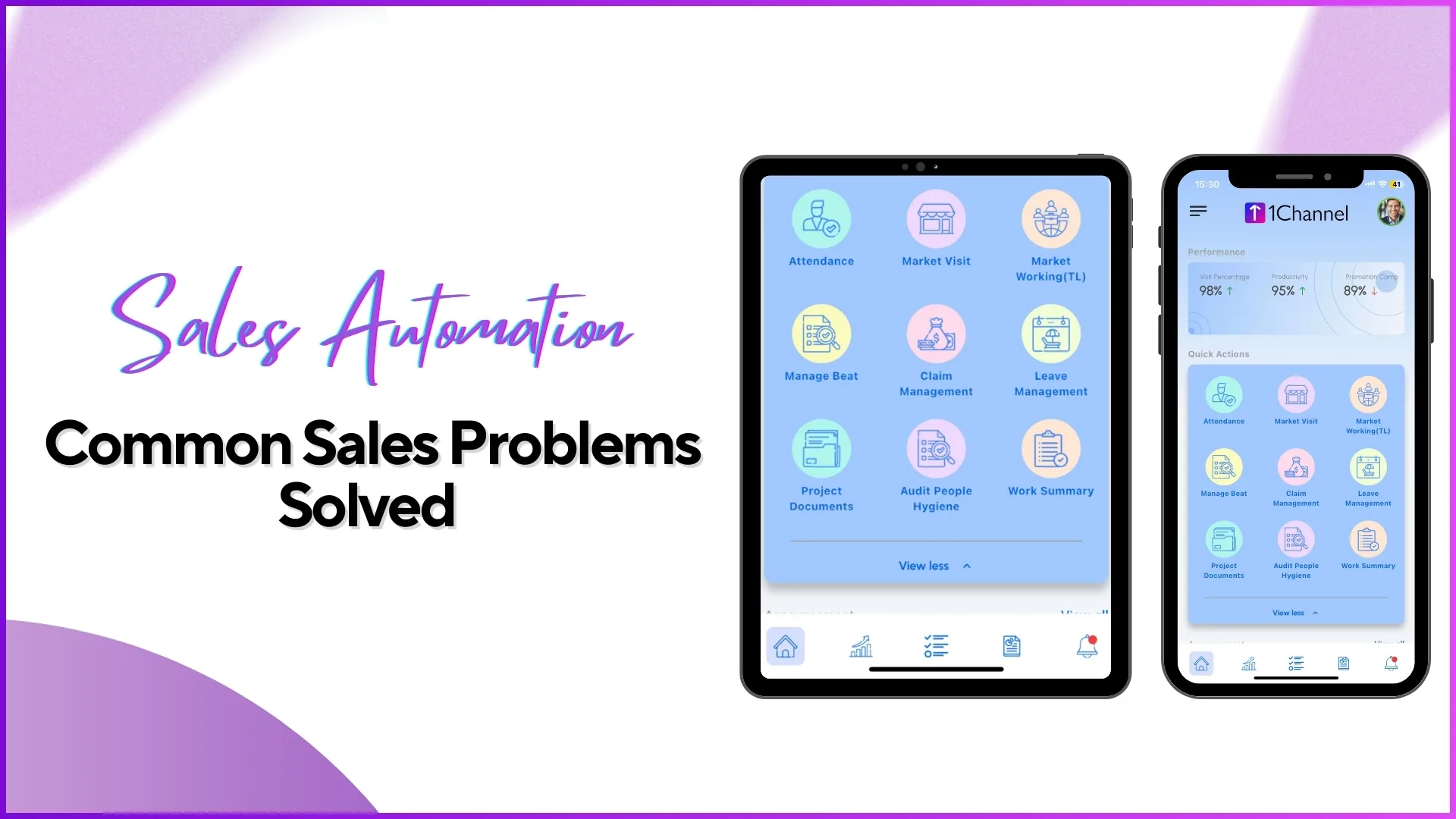
Sales teams operating on the ground face multiple operational challenges ranging from attendance issues to lack of visibility into daily activities.
Sales automation, when implemented through a structured SFA system, addresses these challenges by digitising, validating, and centralising field operations.
This blog explains the common sales execution problems and how they are solved using Sales Automation features.
1. Inaccurate or Manipulated Attendance Reporting
The Problem
Field teams often mark attendance without actually being present at the location, or attendance data lacks proof such as time, photo, or location. This leads to unreliable payroll data and poor workforce discipline.
How Sales Automation Solves It
Sales automation introduces attendance with AI photo validation and geo-location tracking.
Documented Solution Features:
- Attendance marked with photo and GPS location
- AI-based face validation using reference images
- Attendance status regularisation via approval workflows
- Attendance closure for payroll accuracy
Example
A promoter logs into the mobile app and marks attendance. The system captures:
- Live photo
- Location coordinates
- Time stamp
AI matches the photo with the reference image before allowing attendance. Managers later verify attendance using Attendance Photo Reports from the analytics section.
Explore Workforce Management Software
Automate attendance tracking with AI photo validation, geo-location, and real-time monitoring for your field sales teams.
Explore Workforce Management →2. No Visibility into Field Team's Daily Activities
The Problem
Managers struggle to understand:
- Where employees are working
- What activities they performed
- How much time they spent in the field
Manual reporting or end-of-day calls provide incomplete insights.
How Sales Automation Solves It
Sales automation captures every activity performed inside the app and makes it available through dashboards and reports.
Documented Solution Features:
- Advanced Dashboard with attendance, visit, and compliance metrics
- User Activity Report showing distance travelled and working hours
- Store Visit Reports with complete visit details
Example
A regional manager opens the Advanced Dashboard and sees:
- Market visit percentage
- Late attendance percentage
- Number of visits completed vs planned
For deeper insight, they download the User Activity Report to see first and last transaction times for each employee.
3. Poor Market Visit Planning and Execution
The Problem
Without a structured visit plan, field teams may:
- Skip stores
- Visit wrong outlets
- Ignore assigned routes
This results in low market coverage and poor execution.
How Sales Automation Solves It
Sales automation enables market visit planning and compliance tracking.
Documented Solution Features:
- Upload Market Visit Plans (store-wise, user-wise, distributor-wise)
- Weekday-based visit planning
- Beat plan approval and compliance reports
Example
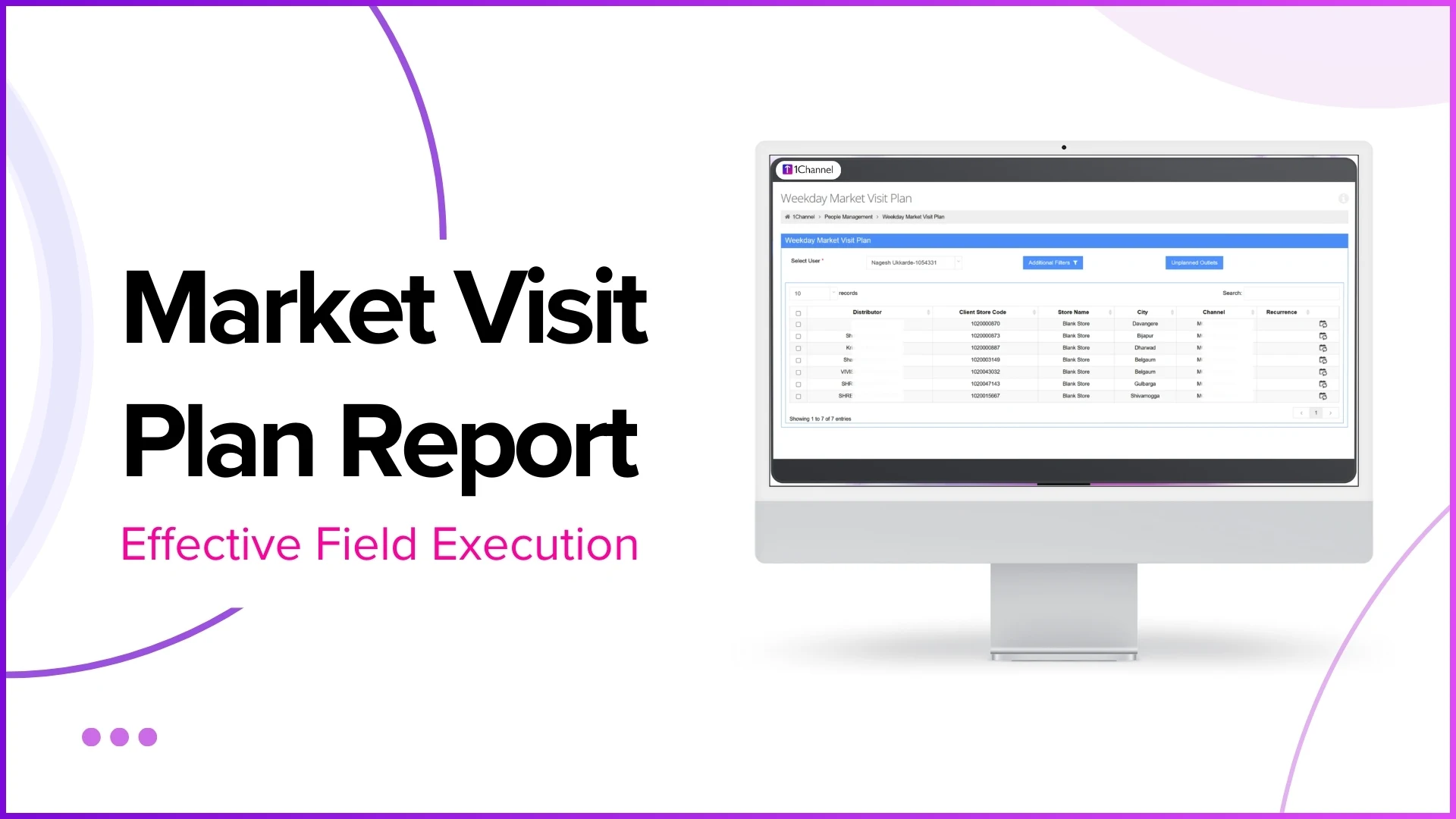
An admin uploads a weekday market visit plan assigning specific stores to a promoter for Mondays and Wednesdays.
Actual visits are later compared with planned visits using the Market Visit Plan Report and Beat Compliance Report.
4. Difficulty in Tracking Actual Store Visits
The Problem
Managers cannot verify whether a store was actually visited or whether required activities were completed.
How Sales Automation Solves It
Sales automation records store-level visit proof.
Documented Solution Features:
- Store check-in with GPS
- Store visit reports
- Visit productivity reports
- Store image and gallery reports
Example
A promoter visits a retail outlet and completes activities. The system logs:
- Store GPS
- Visit time
- Activities performed
The manager later downloads a Store Visit Report showing full visit details in PDF format.
5. No Control Over Activity Location (Off-Location Work)
The Problem
Employees may perform activities outside assigned store locations, leading to fake reporting.
How Sales Automation Solves It
Sales automation enforces activity-level geo-fencing.
Documented Solution Features:
- Store GPS mapping
- Geo-fencing for attendance and activities
- Role-based geo-fence configuration
Example
A store has a defined geo-fence radius. If a promoter attempts to mark attendance or perform merchandising outside this radius, the system restricts the action automatically.
6. Manual and Error-Prone Sales & Stock Reporting
The Problem
Sales and stock data collected manually often contains:
- Incorrect SKU entries
- Missing data
- Delayed reporting
How Sales Automation Solves It
Sales automation digitises sales, stock, and demo reporting.
Documented Solution Features:
- SKU-wise sales reporting
- Stock reporting by store
- Secondary and tertiary sales reports
- Upload sales from stock via Excel
Example
A promoter records SKU-level sales in the mobile app. Managers later download:
- Sales Report
- Stock Report
From the analytics section for review and reconciliation.
7. No Standard Way to Track Merchandising Activities
The Problem
Merchandising execution is difficult to monitor without visual proof or structured reporting.
How Sales Automation Solves It
Sales automation captures merchandising status with photos and reasons.
Documented Solution Features:
- Merchandising Visit Tracker
- Merchandising Photo Report
- POSM deployment tracking
Example
If merchandising is not done at a store, the promoter selects a predefined reason. If completed, POSM images and quantities are uploaded, which managers review using merchandising reports.
8. Unstructured Employee Leave and Claim Management
The Problem
Leave and expense claims handled manually lead to:
- Approval delays
- Lack of visibility
- Payroll mismatches
How Sales Automation Solves It
Sales automation introduces workflow-based leave and claim management.
Documented Solution Features:
- Leave application via mobile app
- Role-based approval flow
- Expense claim submission and approval
Example
An employee applies for leave from the app. The request appears in the Approve Leaves section for the reporting manager, who approves or rejects it directly from the portal.
9. Lack of Centralised Reporting and Data Analysis
The Problem
Data scattered across spreadsheets makes performance analysis slow and unreliable.
How Sales Automation Solves It
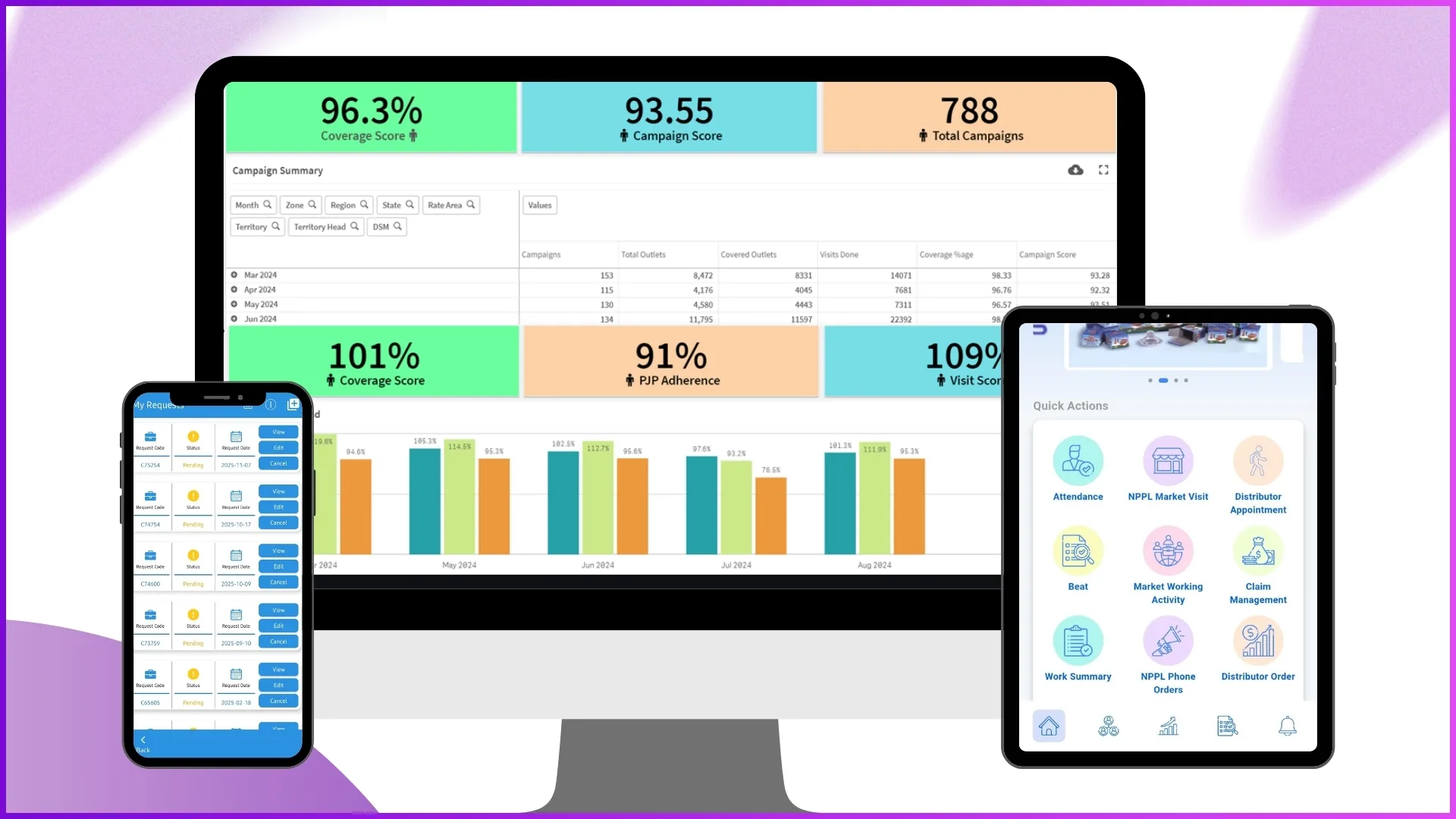
Sales automation centralises data into analytics dashboards and reports.
Documented Solution Features:
- Report Catalog with predefined reports
- Report Builder for custom reports
- Downloadable Excel and PDF reports
Example
A business head creates a custom report using Report Builder, selecting attendance and sales dimensions for a specific city and date range.
10. No Control Over User Roles and Data Access
The Problem
All users seeing the same data creates data security and operational confusion.
How Sales Automation Solves It
Sales automation enables role-based access control.
Documented Solution Features:
- User roles and permissions
- Module-level access control
- Organization hierarchy mapping
Example
A BD Head gets access to analytics reports but does not see visual merchandising modules, based on role permissions configured in the system.
Explore Sales Force Automation
Manage your entire field sales operation with integrated attendance tracking, visit planning, sales reporting, and performance analytics in one platform.
Explore SFA Solutions →FAQs
What types of teams benefit from sales automation?
Field sales teams, promoters, team leaders, and managers who operate across multiple stores and locations benefit directly.
Can reports be downloaded?
Yes, most reports can be downloaded in Excel or PDF format from the analytics section.
Is attendance linked to payroll?
Yes, attendance closure and approval workflows support payroll accuracy.
Can the system be customised?
Dashboard elements, menus, roles, and workflows are configurable based on business requirements.
Conclusion
Sales automation eliminates operational blind spots by digitising attendance, visits, sales, merchandising, and reporting into a single structured system.
The 1Channel SFA platform addresses real-world field execution problems using validated data, controlled workflows, and actionable analytics ensuring accuracy, transparency, and efficiency across sales operations.